

Top 7 AI Tools for Inbox Prioritization
Managing your inbox doesn’t have to be overwhelming. AI-powered tools can help you organize, prioritize, and respond faster, saving you hours every week. Here’s a quick rundown of the top 7 tools to simplify your inbox:
- Buzz Mail: Learns your email habits to prioritize important messages and summarize long threads. Free tier available.
- SaneBox: Organizes emails into smart folders like "SaneLater" to declutter your inbox. Starts at $24/year.
- Shortwave: Uses plain language commands to automate email sorting and prioritization. Pricing not disclosed.
- Superhuman Mail: Focuses on speed with keyboard shortcuts, VIP filters, and auto-summarization. Costs $25–$30/month.
- Spark: Automatically pushes priority emails to the top and drafts replies based on your writing style. Free and paid plans starting at $10/month.
- Notion Mail: Integrates with Notion for linking emails to tasks or projects. AI features start at $20/month.
- Inbox Agents: Combines email and messaging platforms into one workspace with tools to highlight revenue opportunities. Free trial available.
Quick Comparison
| Tool | Key Feature | Best For | Starting Price |
|---|---|---|---|
| Buzz Mail | Personalized prioritization, summaries | Shared inbox management | Free tier available |
| SaneBox | Smart folders for filtering | Simple inbox organization | $24/year |
| Shortwave | Natural language sorting | High email volumes | Not disclosed |
| Superhuman Mail | Speed-focused, VIP filters | Executives, power users | $25–$30/month |
| Spark | AI Feed for prioritization | Apple ecosystem users | Free/$10/month |
| Notion Mail | Links emails to Notion tasks | Notion users | $20/month |
| Inbox Agents | Multi-platform communication | Sales and customer teams | Free trial, Pro plan |
These tools are designed to save time, reduce clutter, and help you focus on what matters most. Whether you’re managing emails across platforms or need smarter filtering, there’s a tool here for you.
Best AI Tools for Email Management
1. Buzz Mail
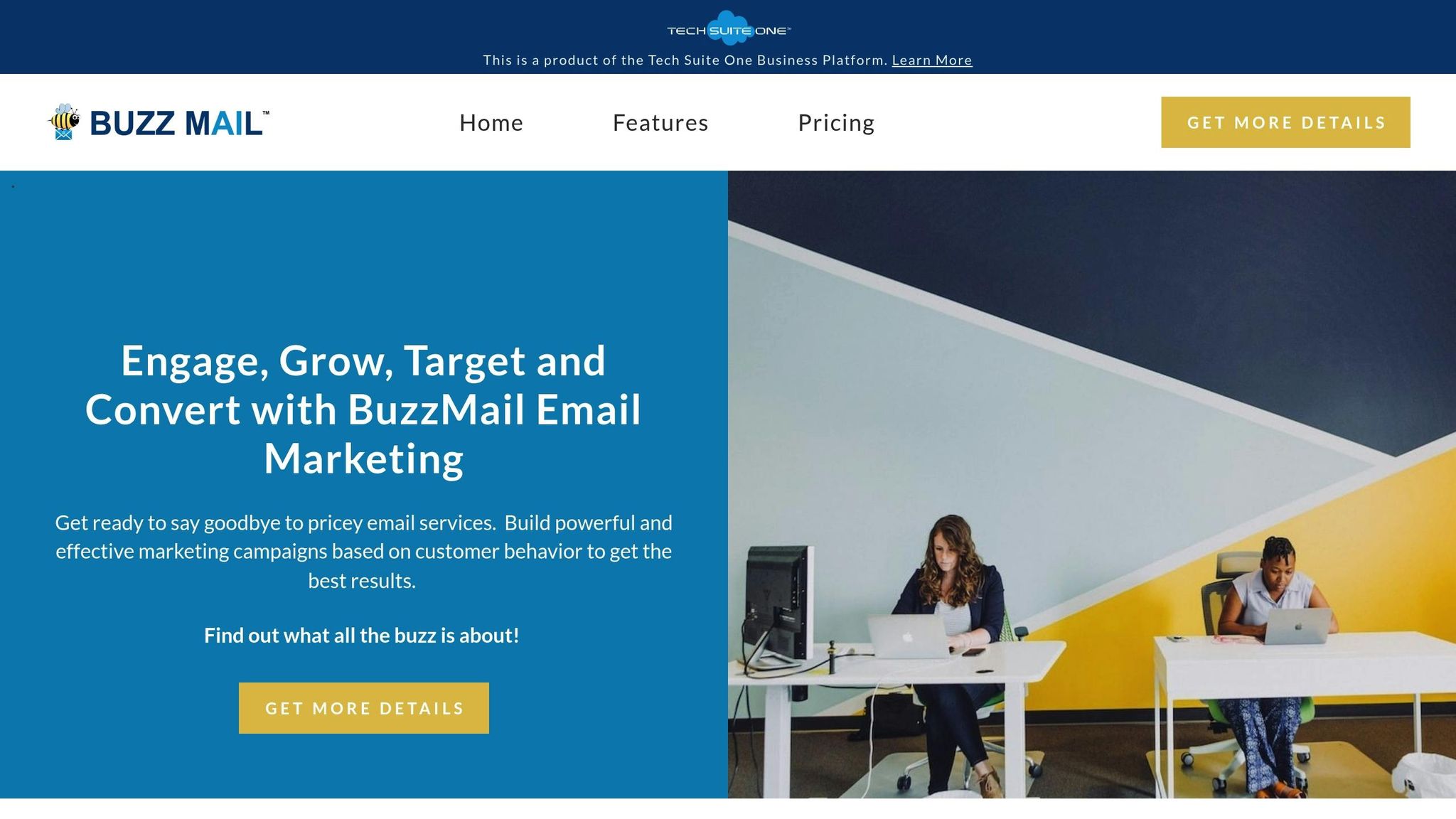
Buzz Mail is an AI-powered tool designed to bring order to chaotic inboxes. It goes beyond standard email filters by learning your communication habits and adapting automatically. This makes it especially helpful for teams managing shared inboxes, where organization can often feel like an uphill battle.
Smarter Email Filtering and Sorting
Buzz Mail's filtering system isn’t your typical rules-based setup. Instead, it uses adaptive categorization to label and sort messages automatically. The more you use it, the better it gets at understanding your needs.
One standout feature is its personalized prioritization system. Unlike generic email tools, Buzz Mail tailors its approach to your specific preferences. It ensures that the emails most important to you rise to the top, without requiring you to spend time setting up complex filters. Over time, its AI learns your habits and adjusts accordingly, so crucial messages don’t get lost in the shuffle of less important notifications.
On top of sorting your emails, Buzz Mail also helps you quickly grasp the content of long conversations with its smart summarization tools.
Smart Summaries for Email Threads
Long email chains can be overwhelming, but Buzz Mail’s smart summaries make them manageable. Instead of wading through dozens of back-and-forth messages, you get concise overviews that highlight key points, decisions, and action items. This is a game-changer for collaborative teams where threads can spiral into lengthy discussions with input from multiple people. By cutting through the noise, these summaries save time and keep everyone focused on what matters.
Buzz Mail doesn’t stop there - it also works seamlessly across devices.
Cross-Platform Compatibility
Whether you’re on your desktop, phone, or using a web browser, Buzz Mail keeps your inbox synchronized. It also integrates easily with calendars and project management tools, simplifying scheduling and task tracking alongside your email management.
Pricing and Accessibility
Buzz Mail offers a free tier with essential features like AI filtering, personalized prioritization, and collaboration tools, making it a great choice for individuals and small teams. Plus, its strong privacy and security measures ensure your sensitive data stays protected throughout its automated processes.
2. SaneBox
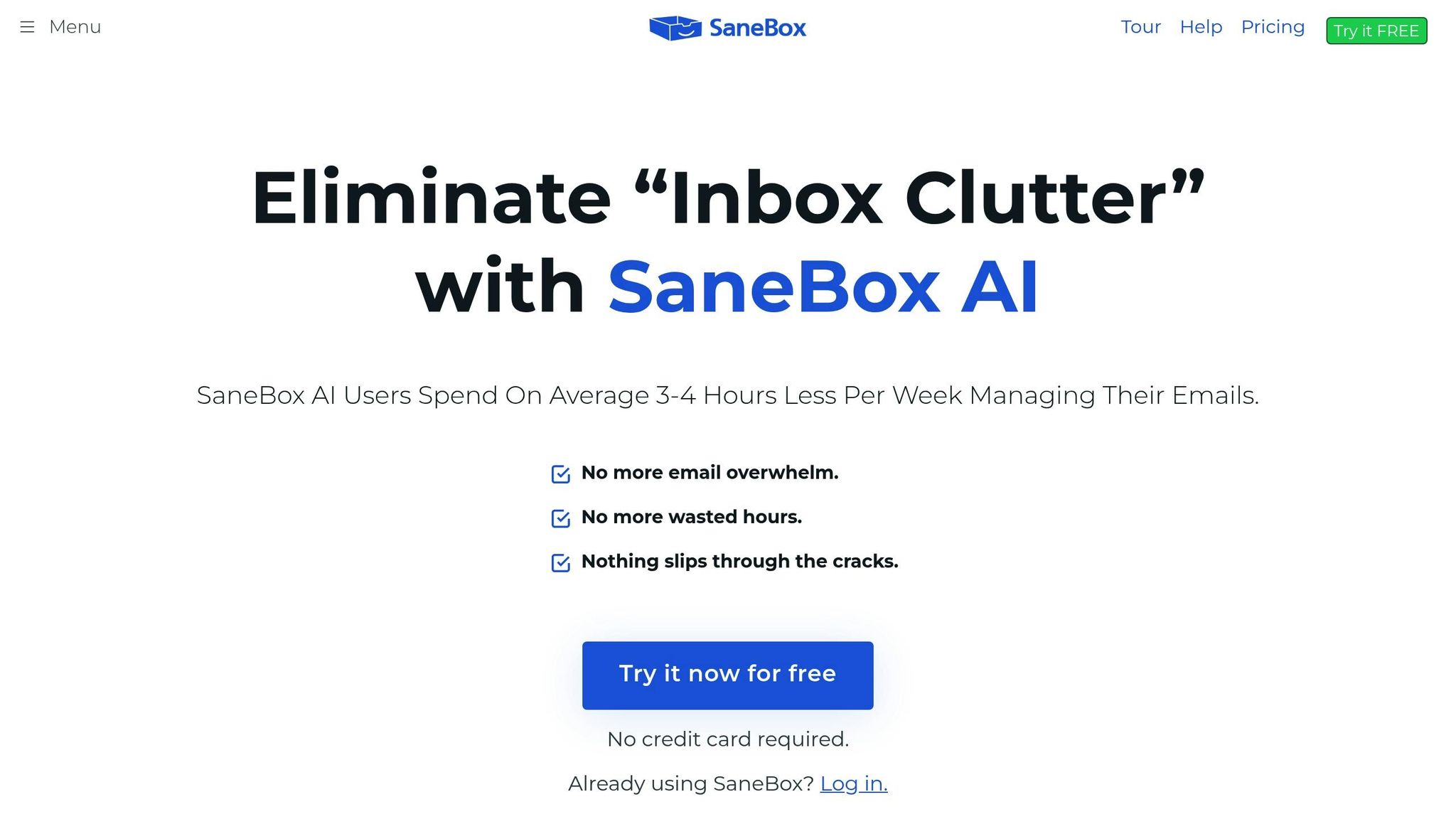
SaneBox helps tidy up your inbox by zeroing in on organizing and prioritizing emails - without any frills like automated replies. It ensures that essential messages stay front and center, while unnecessary clutter is pushed aside.
This straightforward approach keeps your inbox consistently organized and free of distractions.
Pricing Model
SaneBox offers a 14-day free trial, giving you the chance to test its email organization system before committing. Once the trial ends, plans start at around $0.07 per day (roughly $24 per year). Keep in mind, SaneBox focuses exclusively on inbox organization, and it might take a few days to fully adjust to its system.
3. Shortwave

Shortwave simplifies email management by letting you create rules in plain English. It organizes messages into actionable tabs, catering to priority senders, specific labels, or custom queries. This approach helps streamline your inbox, highlighting important tasks and clearing unnecessary clutter.
AI Filtering & Sorting Capabilities
What makes Shortwave stand out is its ability to understand natural language commands and turn them into automated actions. For example, you can instruct it to "archive all newsletters" or "star emails from my manager", and the platform will handle the rest - labeling, starring, archiving, or delegating messages as needed.
This eliminates the need for setting up complicated filters manually. The AI interprets your instructions seamlessly, keeping your inbox organized without constant effort on your part.
Shortwave also offers a multi-tab organization feature, giving you precise control over how you view your emails. You can create tabs for specific projects, clients, or priority levels, allowing you to focus on what matters most at any given time. Its advanced capabilities are reflected in its premium pricing, which caters to those seeking a higher level of email management.
Pricing Model
Shortwave positions itself as a premium AI email assistant, offering tools that go beyond basic filtering. While detailed pricing information isn't readily available, its advanced AI features and natural language rule-building suggest it's tailored for professionals who need flexible and customizable organization.
For users managing a high volume of emails, Shortwave's ability to create personalized systems without requiring technical expertise is a game-changer. It's especially useful for knowledge workers juggling multiple projects and priorities, providing a streamlined way to stay on top of their inbox chaos.
4. Superhuman Mail

Superhuman Mail is all about speed - designed specifically for professionals who deal with high email volumes. This keyboard-first email client blends AI-driven message generation with structured templates, making it easier to automate and personalize your email workflow.
AI Filtering & Sorting Capabilities
Superhuman Mail takes the hassle out of sorting emails with advanced AI features. It identifies VIP senders and urgency signals, placing the most critical emails at the top using its Split Inbox feature. As you interact with the system, it learns and refines its filters, separating vital business emails from newsletters and less important content. It even offers smart triage, assigning importance levels to messages and providing real-time AI suggestions as you type.
One standout feature is how it handles long email threads. By organizing and prioritizing conversations, it ensures you stay on top of your inbox. Users have reported being able to process twice as many emails compared to traditional email management systems.
Inbox Summarization Features
Superhuman Mail's Auto Summarize feature is a game-changer for handling long email chains. It condenses lengthy threads into quick, easy-to-read summaries, highlighting key points and action items. The app also offers Instant Reply, which drafts responses that match your communication style by learning how you write. For teams, the Shared Conversations tool provides real-time visibility into email discussions, helping to cut down on duplicate efforts and keeping everyone aligned.
Platform Compatibility
Superhuman Mail integrates seamlessly with Gmail and Outlook, offering a consistent experience across web, desktop, and mobile platforms. It’s available for iOS, Android, Chrome, and Mac users. However, it doesn’t currently support Apple Mail or other email providers.
Pricing Model
Superhuman Mail operates on a premium subscription model, starting at $25 per user per month. While there’s an initial learning curve due to its shortcut-focused navigation, the payoff is substantial. Users report saving 4 hours per week and doubling their email productivity. For those managing heavy inbox loads, it’s an investment in efficiency.
sbb-itb-fd3217b
5. Spark
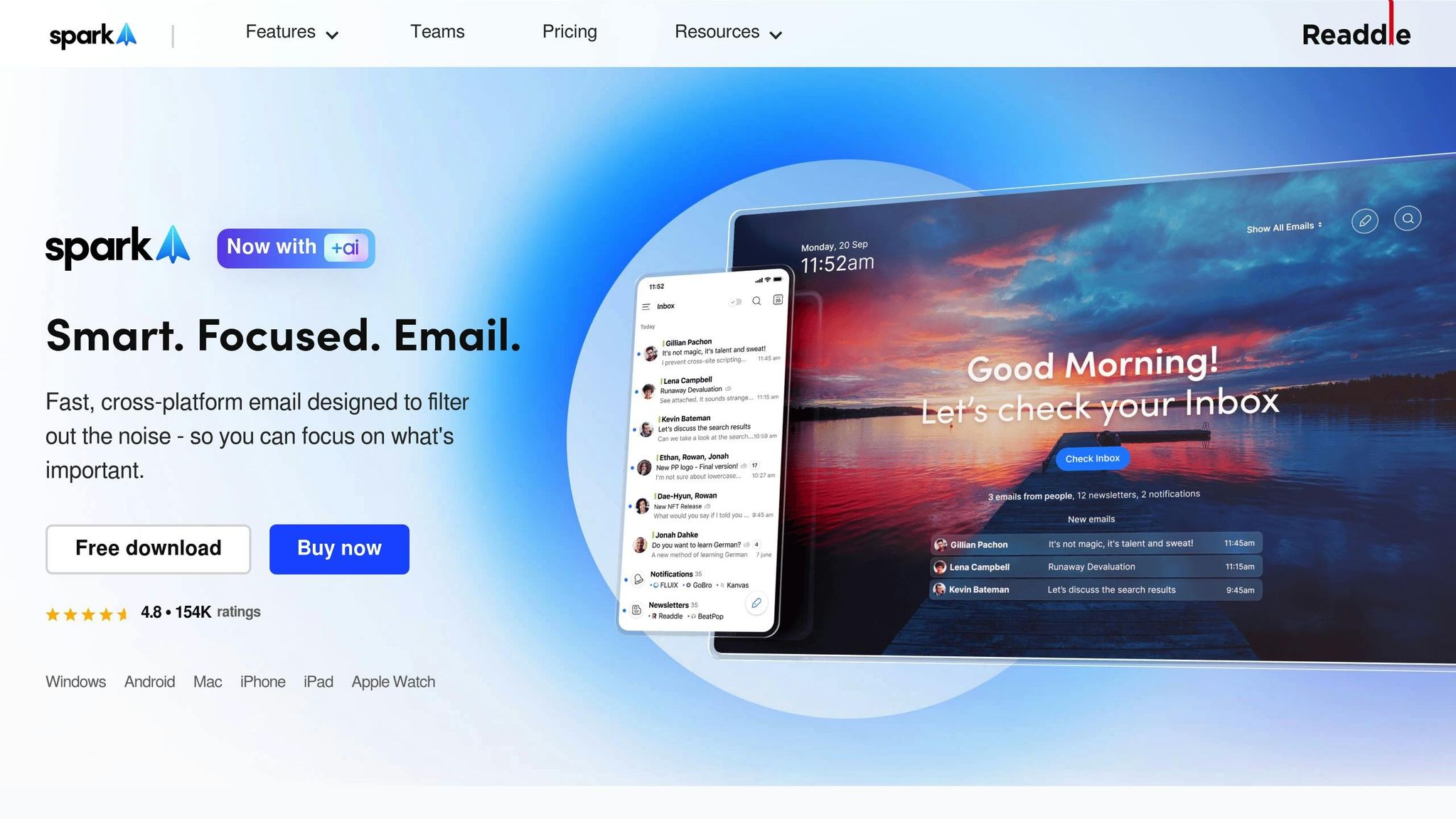
Spark redefines email management by offering a user-friendly platform that does more than just organize your inbox. It transforms how you handle emails, making the experience more streamlined and collaborative. Plus, it works seamlessly with all major email providers, giving you the freedom to use it regardless of your current service.
Smarter Email Sorting with AI
Spark’s AI Feed takes the guesswork out of managing your inbox by automatically prioritizing emails. It pushes important messages to the top while less urgent ones quietly move down the list. This smart system helps you focus on what matters most, saving time and effort.
Quick Summaries for Busy Inboxes
Long email threads? No problem. Spark’s AI Feed summarizes conversations so you can quickly catch up on the key points without wading through every message. On top of that, the AI Message feature learns your writing style and helps draft replies that sound just like you, cutting down the time spent on composing and editing emails.
Works Across All Your Devices
Spark is built to integrate with popular email services like Gmail and Outlook, offering a smooth experience whether you’re on the web, desktop, or mobile. Its collaboration tools - like shared notes, video calls, and document sharing - keep everything you need in one place, making teamwork easier and more efficient.
6. Notion Mail
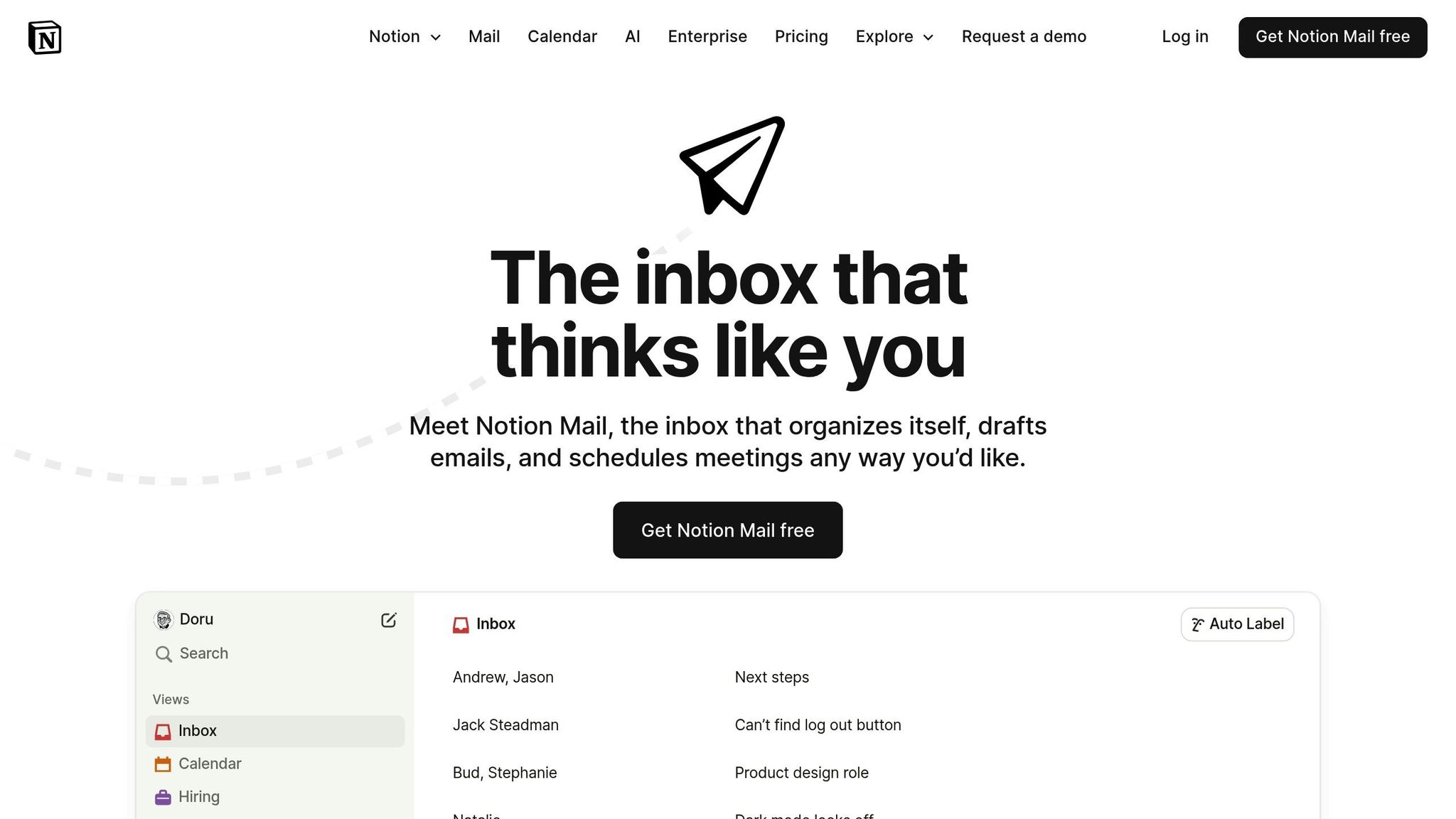
Notion Mail blends AI-powered filtering with seamless Notion integration, giving you precise control over your inbox without requiring a complete switch to a new email client. Its smart categorization and connection to Notion make it a standout option for managing email priorities effectively.
AI Filtering & Sorting Capabilities
Notion Mail uses a combination of automatic and manual filtering to keep your inbox organized. It learns from your email habits to identify high-priority messages, streamline routine tasks, and group emails into meaningful categories. The tool can spot VIP senders, detect urgency in message content, and automatically sort newsletters and promotional emails, ensuring critical conversations don’t get lost. You can even set up detailed prioritization rules tailored to your workflow, making it easier to organize, draft, and schedule emails exactly how you want.
Inbox Summarization Features
One of Notion Mail’s standout features is its integration with Notion itself. You can link emails directly to projects, tasks, or databases, which helps reduce the need to switch between apps. This integration creates a unified workspace for your work-related information, making it especially useful for teams that rely on Notion for collaboration and staying organized.
Platform Compatibility
Notion Mail works on both web and Mac, offering cross-platform access so you can manage your inbox from any device. Its user-friendly interface makes it simple to set up and use daily. While some users have reported minor bugs, the platform remains dependable for its primary functions.
Pricing Model
Notion Mail provides a free tier with basic features, making it easy to try before committing. For those seeking advanced AI tools, the paid plans start at $20/month. This pricing includes robust AI capabilities, extensive customization options, and seamless integration with Notion, making it a practical choice for professionals and teams already using the Notion ecosystem.
7. Inbox Agents
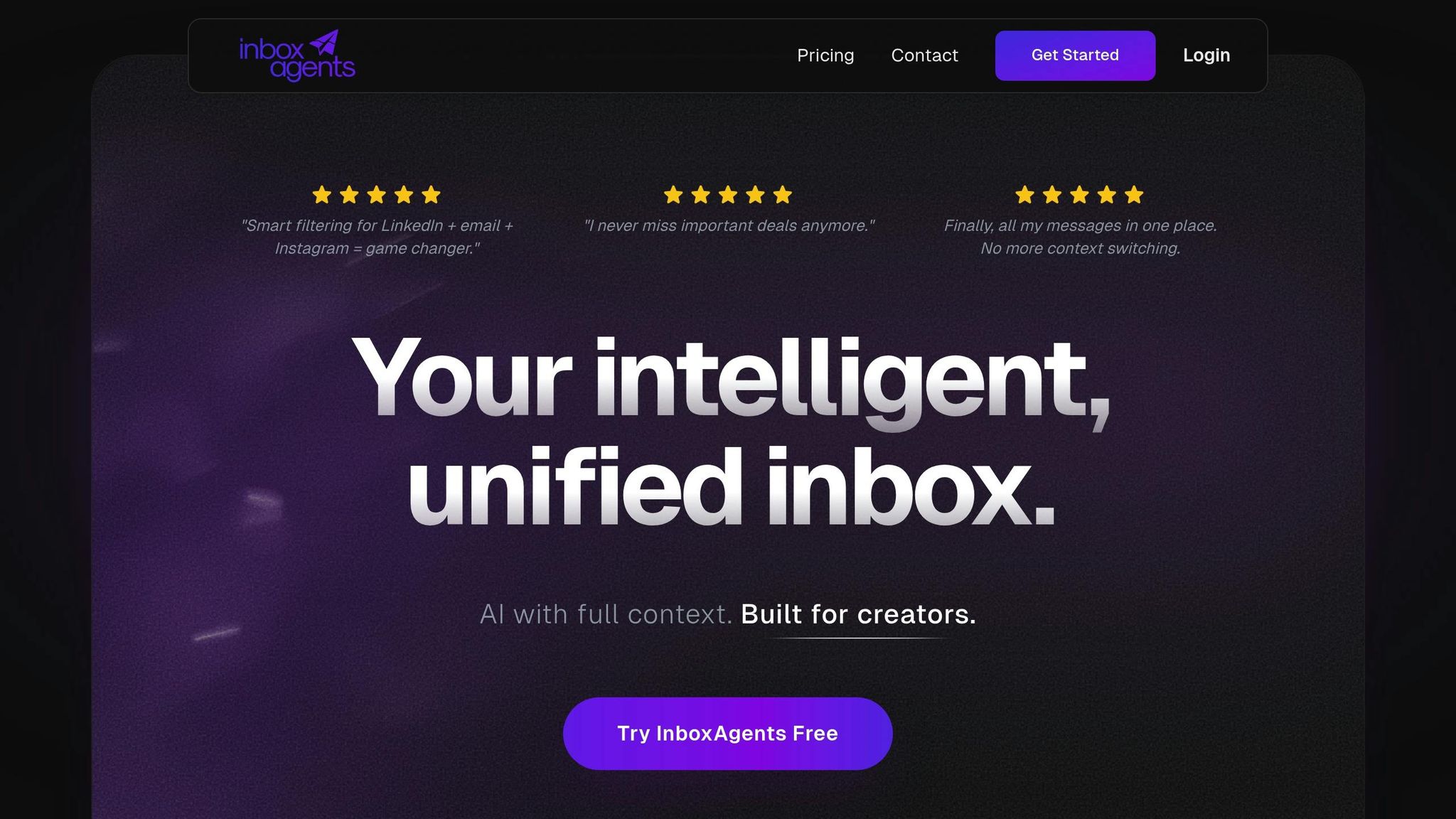
Inbox Agents brings together multiple messaging platforms into a single, intelligent workspace. This tool is a game-changer for professionals juggling conversations across platforms like email, LinkedIn, Instagram, Discord, and more. Instead of focusing only on email prioritization, it tackles the broader challenge of managing communications across various channels. Its AI-driven features not only streamline workflows but also highlight revenue opportunities, making it a powerful ally for business professionals.
AI Filtering & Sorting Capabilities
One of the standout features of Inbox Agents is its AI-powered triage system. It filters out unnecessary noise and brings the most important messages to the forefront. A particularly useful tool is the Dollarbox, which identifies and groups messages with revenue potential into a dedicated folder. This makes it easy to spot leads and prioritize deals without the hassle of manual sorting.
The platform also organizes messages into smart folders tailored to your needs, such as Revenue Opportunities, Investor Updates, Partnership Leads, and Routine Messages. Over time, the AI learns your preferences, and you can customize automation settings to fit your workflow. With this precision filtering, Inbox Agents ensures you stay focused on what matters most.
Inbox Summarization Features
For professionals managing high volumes of communication, the Daily Briefings feature is a lifesaver. It provides concise summaries of messages focused on revenue opportunities, helping you quickly identify key priorities. This reduces mental strain and makes managing cross-platform conversations more efficient.
Platform Compatibility
Inbox Agents is designed to unify communication across platforms like Gmail, Outlook, LinkedIn, Instagram, Discord, and X (formerly Twitter). By consolidating these channels into one interface, it eliminates the need for constant app-switching and reduces context switching. This is particularly valuable for sales teams, customer success professionals, and anyone managing multiple business relationships. For users who need even more flexibility, the Pro plan offers expanded platform connections, including support for additional LinkedIn accounts - perfect for those handling multiple business profiles.
Pricing Model
Getting started with Inbox Agents is simple. They offer a 14-day free trial that gives you access to all the core features, including smart filtering, the Dollarbox, daily briefings, and AI-powered smart replies across integrated platforms. Best of all, no credit card is needed to try it out. For those looking to unlock even more functionality, the Pro plan caters to professionals managing revenue-driven conversations across multiple channels.
Feature Comparison
Choosing the right tool depends on your needs, workflow, and budget. Below is a breakdown of how seven tools stack up across key features:
| Tool | AI Filtering & Sorting | Inbox Summarization | Platform Support | Collaboration Features | Pricing | Best For |
|---|---|---|---|---|---|---|
| Buzz Mail | ✅ Personalized prioritization that adapts to user preferences | ✅ Smart summaries for lengthy email threads | Web, Desktop, Mobile (all major platforms) | ✅ Shared inbox management for teams | Free tier available | Teams managing shared inboxes |
| SaneBox | ✅ Automated sorting with smart folders (e.g., SaneLater) | Limited | Compatible with Gmail, Outlook, and more | Limited | $24/year (14-day free trial) | Professionals seeking enhanced filtering without switching platforms |
| Shortwave | ✅ Speed-focused prioritization | ✅ Quick overviews | Web-based with mobile support | Limited | Not publicly disclosed | High-volume email users |
| Superhuman Mail | ✅ Fast, keyboard-first email triage | Limited | Gmail and Outlook only | Limited | $25–$30/user/month | Executives and power users |
| Spark | ✅ Adaptive categorization | Limited | iOS, Mac, Android ecosystems | Limited | Free plan available; Pro starts at $10/user/month | Users within the Apple ecosystem |
| Notion Mail | ✅ Customizable AI-powered filtering | ✅ AI-powered drafting and scheduling | Web and Mac | Limited | Free; AI features start at $20/month | Existing Notion users |
| Inbox Agents | ✅ Multi-platform AI triage with Dollarbox for revenue insights | ✅ Daily summaries focused on revenue opportunities | Gmail, Outlook, LinkedIn, Instagram, Discord, X, WhatsApp, Messenger | ✅ Team workflows across platforms | 14-day free trial; Pro plan available | Customer-facing teams managing multi-channel conversations |
Key Differences to Consider
AI Filtering: Buzz Mail and Notion Mail excel at learning user behavior over time, creating a tailored experience. SaneBox, on the other hand, uses pre-set rules right from the start. Inbox Agents stands out by applying AI filtering across not just email but also social media and messaging apps, making it ideal for professionals juggling multiple communication channels.
Platform Compatibility: SaneBox integrates directly with your existing email client, so there's no need to switch interfaces. Superhuman, while highly efficient, only supports Gmail and Outlook, which might feel restrictive if you use other platforms. Inbox Agents offers a unified workspace for email and messaging apps, eliminating the constant need to switch between platforms.
Collaboration Features: For teams, Buzz Mail and Inbox Agents offer robust collaboration tools. Buzz Mail focuses on shared inbox management, while Inbox Agents provides team workflows across email and messaging platforms. Solo users will find most tools effective, but teams should prioritize those designed for collaboration.
Pricing: Options range from free plans to premium subscriptions:
- Buzz Mail includes a free tier.
- SaneBox costs $24/year with a 14-day free trial.
- Superhuman charges $25–$30 per user, per month.
- Notion Mail starts at $20/month for AI features.
- Inbox Agents offers a 14-day free trial, with Pro plans designed for revenue-focused communication.
Productivity Gains
For professionals managing 100+ emails daily, these tools can save 5–10 hours per week. SaneBox users, for example, report saving a few hours weekly on email organization. Meanwhile, AI personalization features, like those in Buzz Mail and Inbox Agents, can boost click-through rates by up to 30%. Whether you prioritize speed (Superhuman), simplicity (SaneBox), team collaboration (Buzz Mail), or multi-channel integration (Inbox Agents), there’s a tool that matches your workflow and helps reduce the mental load of email management.
Conclusion
Managing your inbox shouldn’t feel like a full-time job. With AI-powered prioritization tools, you can take control of your email and multi-platform messages by automatically sorting what matters, filtering out distractions, and speeding up your responses. These tools can save users up to 4 hours each week and significantly cut down response times.
When it comes to choosing the right tool, start by considering three key factors: your platform needs, budget, and the features that tackle your biggest challenges. For example, if you’re overwhelmed by Gmail threads, Shortwave simplifies workflows, while Superhuman Mail offers seamless support for Outlook users.
Platform integration is another critical consideration. If you’re juggling conversations across email, LinkedIn, Instagram, Discord, WhatsApp, and other messaging platforms, look for a tool that unifies these channels. Switching between apps wastes time and energy. SaneBox works with nearly every email client without requiring extra downloads, while Inbox Agents combines email and messaging platforms into a single workspace, eliminating the hassle of constant app-hopping.
The financial argument is straightforward. Calculate how much time you spend on email each week, multiply that by your hourly rate, and compare it to the cost of a tool. For instance, if you spend 10 hours a week on email at $50 per hour, that adds up to $26,000 annually in time costs. Even a premium tool costing $30 per month (about $360 a year) can deliver a strong return on investment by cutting your email time in half.
Most tools offer a 14-day free trial, giving you a chance to see if they fit your workflow. Pay attention to how quickly the AI learns your communication habits - many tools only need a few days to train their algorithms effectively.
For teams managing shared inboxes, features like collaboration tools are just as important as AI filtering. Options like Buzz Mail and Inbox Agents support team workflows and shared inbox management, while tools like SaneBox and Superhuman Mail are better suited for individual productivity. The best choice depends on whether you’re managing your own inbox or coordinating responses as part of a team.
The takeaway? AI-powered prioritization tools free up your time for the work that truly matters. Whether you opt for a speed-focused solution like Superhuman Mail or a more comprehensive tool like Inbox Agents, the productivity boost is undeniable. Choose the tool that fits your platforms, budget, and unique inbox needs, and let AI handle the heavy lifting.
FAQs
How do AI tools for inbox prioritization adapt to my messaging habits?
AI tools are designed to study how you interact with your inbox - whether it’s how you reply to messages, the way you prioritize certain contacts, or how you approach specific topics. By analyzing these patterns, they learn to fine-tune their suggestions, making it easier for you to manage your emails efficiently.
For example, they can pick up on habits like your go-to phrases or the times you typically respond. With this insight, these tools offer customized support, helping keep your inbox tidy and aligned with how you like to work.
What should I look for in an AI tool to better manage my inbox?
When selecting an AI tool to manage your inbox, prioritize features that help you save time and work more efficiently. Key functionalities to look for include automated inbox summaries that highlight important messages at a glance, smart replies to simplify your responses, and personalized messaging that aligns with your specific communication style.
It’s also worth considering tools that tackle repetitive tasks like spam filtering, automated outreach, or even negotiation assistance. These capabilities can cut down on manual work and help you stay focused on what matters most.
Can these AI tools work with multiple email and messaging platforms?
Yes, Inbox Agents combines all your email and messaging platforms into a single, streamlined interface. This setup allows you to handle conversations across multiple channels with ease. Plus, it includes AI-driven tools like automated inbox summaries, smart replies, and customized responses designed to suit your preferences.